



















What is Website Speed Optimization?
Site speed optimization reduces the time it takes a page to load when its URL is entered into a browser.
Such performance optimization not only improves user experience but also improves SEO (search engine optimization).
Website owners want to guarantee the smoothest possible experience for their online visitors.

–
Do I need Website Speed Optimization for WordPress?
Yes. Site speed optimization is especially important for WordPress, the CMS (content management system) that nearly 50% of today’s internet runs on.
WordPress site pages are very well-optimized naturally, but depending on your code implementation, you may need to dig further into loading speed improvements.
Especially, you must be careful with the numerous WordPress plugins, which may solve tons of issues but also interact badly with each other, impacting your CWV (core web vitals).
Website optimization specialists can drastically improve page speed and overall site performance in very little time.
What are Core Web Vitals?
Core Web Vitals are three specific measurements Google uses to assess the user experience on a page. The three factors are closely tied to speed optimization. They are:
- LCP
- FID
- CLS
Professional WordPress speed optimization services will make your web page shine in all three of these Core Web Vitals. They know the best practices to use for each type of Vital. Afterward, they’ll use a host of speed test software to double-check their work.
We will detail each item of those three CWVs below.
Largest Contentful Paint (LCP)
LCP is a technical term for “how long it takes for the page to load.” Google’s “cutoff” for pages with a positive LCP rating is 2.5 seconds.
If the page takes longer than 2.5 seconds to load, Google’s algorithm will penalize it in the search engine’s rankings.
Interaction Next Paint (INP)
The INP measures web page responsiveness based on user interactions. It checks the latency of clicks and keyboard (on desktop), and taps (on mobile).
This INP represents the longest interaction recorded for the given web page.
Cumulative Layout Shift (CLS)
CLS is a measure of how much the elements in a page’s layout move without being interacted with. For instance, many animations that play when a page opens can result in a high CLS score.
Unsurprisingly, a low CLS (preferably below 0.1) improves page load speed.

–
What Makes a Website Fast or Slow?
A few of the main features that affect a page’s loading time include:
- Server Response Time – The time it takes for the web server to respond to a request is critical. A fast server with efficient resource allocation can significantly reduce load times.
- Optimized Images – High-resolution images can slow down a website. Compressing and properly sizing images can make a substantial difference in loading times. Gzip compression level is also an important factor to consider.
- Caching – Caching involves storing frequently accessed data so that it doesn’t need to be reloaded whenever a user visits the site. Browser caching and a content delivery network (CDN) can accelerate load times.
- Minimized HTTP Requests – Each element on a webpage (images, stylesheets, scripts) requires a separate HTTP request when loading. Reducing the number of these requests can speed up overall load speed.
- Browser Rendering – A browser must process HTML, CSS, and JavaScript to display a page. Optimized code and scripts can make this process more efficient.
- Content Delivery Network (CDN) – CDNs distribute website content across various servers worldwide. Using a good CDN reduces the physical distance between the user and the server, improving load times.
- Server Location – The physical location of the web server can affect load times. Having a server closer to your target audience can speed up page loading for them.
- Code Efficiency – Well-structured and optimized code can lead to faster load times.
- Mobile Optimization – 55% of web traffic happens on mobile, so ensuring site elements load quickly on the mobile-optimized version is crucial.
- Plugin and Script Management – Unnecessary plugins or scripts can slow down a website.
WordPress speed optimization services can improve site performance by working with these page speed determinants.
Why are Website Speed Optimization Services Important to Website Success?
Google and other search engines prioritize pages with good website speed and other Core Web Vitals.
The slower the website is, the more likely it is that search engines won’t serve it to users searching for their queries.
Page loading speed also affects user retention more than you think. According to Google, website bounce rates drop an average of 32% when page load time increases from 1 to 3 seconds.
That means you could be missing out on a third of your potential audience just because your page takes an extra 2 seconds to load.

–
What is Included in a Site Speed Optimization Service?
Website speed optimization is an immensely complex practice, and page speed optimization services include too many steps to count. That being said, a few of the most important best practices include:
- Website Speed Auditing – The first step is always a thorough assessment of the website’s current performance. This involves analyzing loading times and identifying bottlenecks. Based on this initial assessment, the optimization specialists will draw up realistic goals for their work.
- Image Optimization – Compressing and resizing images to reduce file sizes without compromising quality. Implementing responsive images for various screen sizes (including mobile) is also important.
- Browser Caching – Configuring browser caching to store website data on users’ devices. This reduces the need to reload resources on repeat visits.
- Establishing a CDN – Set up a CDN to distribute the client’s website content across multiple servers. This reduces the physical distance between the user and the server, which improves load time.
- Server Response Time Optimization – Improve server performance through database optimization and server-side caching.
- Optimizing Code – Rewrite on-page HTML, CSS, and JavaScript to enable the most efficient rendering. This includes eliminating render-blocking resources and deferring non-essential scripts.
- Reducing HTTP Requests – Minimize the number of requests a webpage makes by combining CSS and JavaScript files, using asynchronous loading, and reducing unnecessary elements.
- Mobile Optimization – Ensure the website is mobile-friendly with a responsive design and appropriately sized images for various devices.
- User-Friendly Design – Enhance the overall user experience by simplifying design elements and layouts. Simpler pages tend to load faster and provide a better user experience.
Most low website speed issues stem from a lack of JavaScript optimization, overly large images, and poor website architecture. Usually, focusing on those three items covers 80% of the optimization.
Prodima recommends starting there. There is always room to optimize more, of course, but web developers should put the most effort into those areas.
How can I Optimize my WordPress Site Speed Without Plugins?
You can use a variety of techniques to optimize your site speed without plugins, such as:
- Choose a Fast-Hosting Provider – Opt for a reputable host with good server performance and support for the latest technologies.
- Select a Lightweight WordPress Theme – Avoid heavy, bloated themes with too many features and design elements. A minimalist, well-coded theme will run much faster.
- Optimize Images Manually – Before uploading images, compress them using tools like Photoshop or online image optimizers. Use the appropriate image format (JPEG for photos, PNG for graphics).
- Enable Browser Caching – Configure browser caching in your server settings or .htaccess file to allow browsers to store certain resources locally. This step reduces the need to reload the resources on subsequent visits.
- Minify CSS and JavaScript – Manually minify your CSS and JavaScript files by removing unnecessary white spaces and line breaks. You can also concatenate multiple files into a single file.
- Implement Lazy Loading – Lazy loading defers the loading of images and other media until they are visible on the screen. This reduces the initial page load time. You must copy and paste the “loading” attribute into your WordPress website HTML view.
- Enable GZIP Compression – Set it in your server settings to reduce the size of files sent to the browser.
- Eliminate Render-Blocking Resources – Carefully review and optimize the placement of CSS and JavaScript in your HTML to prevent them from blocking page rendering.
- Use Efficient Code – Removing anything unnecessary.
- Optimize Fonts – Limit the use of custom fonts and use system fonts when suitable.
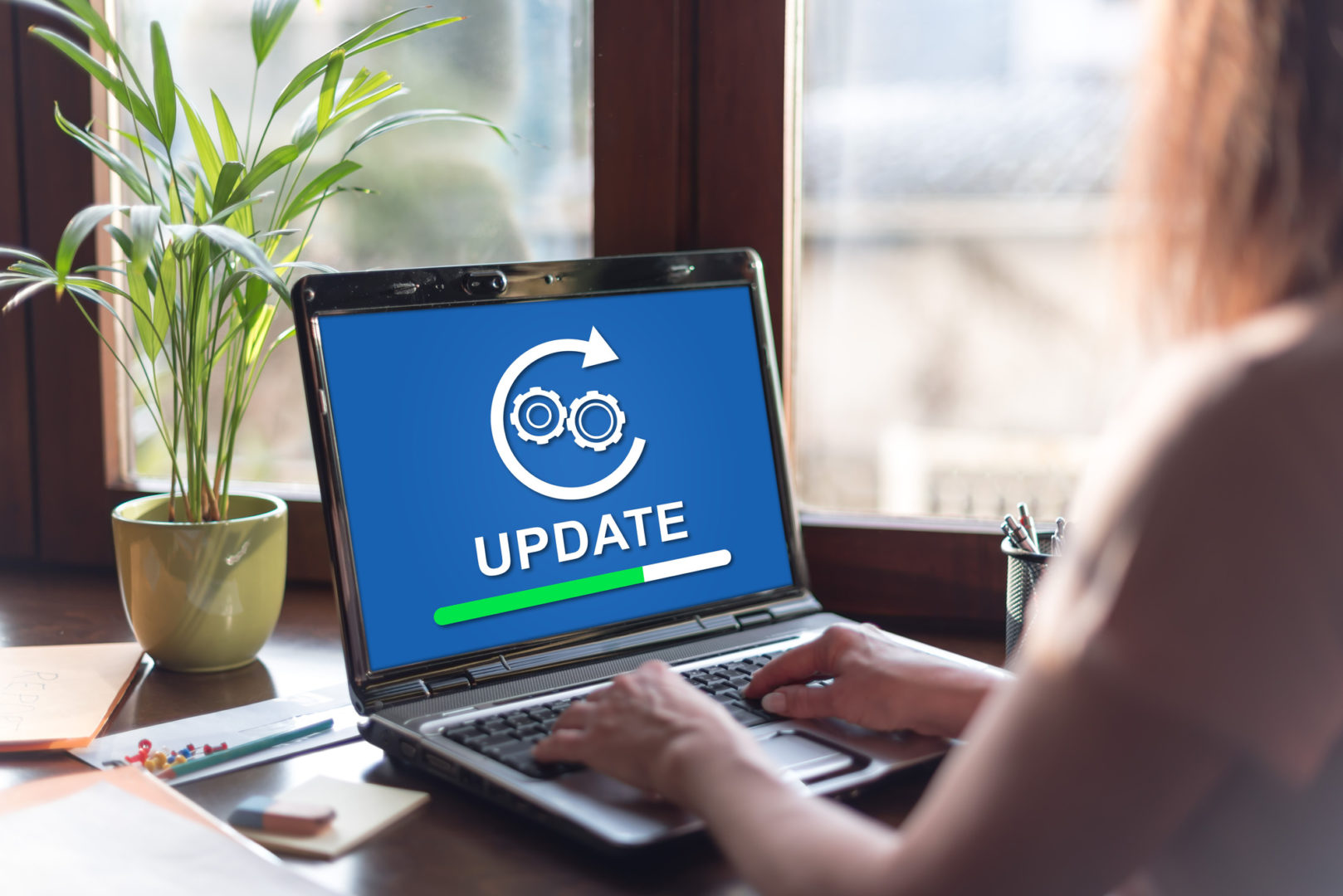
- Update regularly – Updates for a WordPress website or its plugins often include performance improvements and security fixes.
–
Website Optimization Tools to Help with Speed Optimization
To optimize website loading speed, we first need to measure the current bottlenecks. Once we understand the main pain points, we can then apply the solution.
It means there are two kinds of software to work on web speed optimization:
- Speed audit tools
- Speed improvement tools
We will see both in order.
Speed Audit Tools
Here is a list of our favorite speed test tools to evaluate the Core Web Vitals of any website:
- Google Search Console (free)
- Google PageSpeed Insights (free)
- Reddico (free)
- KeyCDN (free)
To enjoy the free audit tools from Google Search Console, you must own and verify the website. You cannot audit web pages that belong to other people unless they grant you access. The Google Search Console is one of the most precise web audit tools you can use. It covers the CWV, mobile usability, URL page experience, and more. This should be your staple tool for site speed.
The three other free tools work similarly. For example, on Google PageSpeed Insights, you can input the URL of any website, including your competitors. After a few seconds, you get a domain or page speed report with actionable items to get started with your optimizations. For example, they may inform you that the audited website has too much unused JavaScript or that your image sizes are too heavy.
There are other tools to consider. Most of them propose a free version. You can go for the paid version if you need access to more in-depth features. Usually, we recommend businesses use only one tool (besides the Google Search Console, which should be your default). Those tools overlap, and combining them isn’t worth it. Pick one and enjoy your free site speed audit!
Speed Improvement Tools
Based on the analysis from your site speed audit tool above, you want to move forward with optimizing your website using software to improve its performance.
In the previous section, we explained how to optimize your website without any plugins. This is the best way to proceed. However, you need to be a good developer to do so. If you are not and cannot afford to work with someone who knows code, you may consider another option: automated tools and plugins.
With a quick Google search, you can easily find software to reduce your image size without compromising quality. You can also get tools that optimize your HTML, CSS, or JavaScript. Sometimes, you need to work with a Content Delivery Network (CDN) to better serve your media files. It depends on your needs.
If you are looking for an all-in-one, simple solution, Prodima recommends using NitroPack. This tool boosts your website’s loading speed in a matter of minutes without any extra coding on your part. There is a free WordPress plugin you can install on your website that does the job perfectly. However, the free version requires the NitroPack banner to remain visible in your footer. If you want to get rid of that, you’ll need to go for the paid version.
Overall, NitroPack does great. Check your website performance with the audit tools before and after installing NitroPack. You will see a huge difference!

Optimize Your Website Speed for Better SEO Results with Prodima
Prodima Vietnam gathers expert developers for site speed optimization services to deliver high-quality results.
WordPress Speed Optimization Service Benefits
Here are some of the benefits you can enjoy by working with Prodima for your WordPress speed optimization service needs:
- Decades of optimization experience – Our team has been optimizing websites for over a decade, giving us extensive knowledge and expertise.
- Understanding of the web development process from start to finish – As a company that builds entire websites from scratch, we know how to optimize your domain at every stage.
- Use of professional software – We utilize professional speed audit and improvement tools to accurately assess and improve your website’s loading speed.
- Customer care – Our team is dedicated to providing excellent customer service and support throughout the entire optimization process, ensuring that your needs are met and any questions or concerns are addressed promptly.
By working with Prodima, you can trust that your website’s loading speed will be optimized to its full potential. We are SEO-driven, and we guarantee a better user experience for your audience. Let us help you take your WordPress website speed to the next level!
Of course, keep in mind that performance optimization is an ongoing process and requires regular updates and maintenance. Prodima commits to delivering high-quality work, but don’t blame us if your website starts to slow down five years after we finish the optimization work. You may need some revamping after some time!
Site Speed Optimization Services Process
When you choose to work with Prodima to improve your loading performance, our team of developers follows these steps:
- Gain access to your website’s code
- Conduct a thorough website audit
- Identify the main areas for improvement
- Determine the most suitable solutions for your specific needs
- Implement fixes based on our research
- Conduct a new audit to measure the effectiveness of our optimizations
Prodima ensures compatibility with your website’s design and functionality, even if another team of developers coded it before.
By following these steps, we provide effective speed optimization services that will enhance your website’s performance and overall user experience.


